3x3 Eggs for Teachers & Parents: Grade 2-4 Math Guide
Classroom and parent review of 3x3 Eggs on Timestables.com: 2nd-4th grade multiplication fit, private classroom rooms, student accounts, and screen-time tips.
Last verified
Why 3x3 Eggs Works Well in 2nd–4th Grade Math
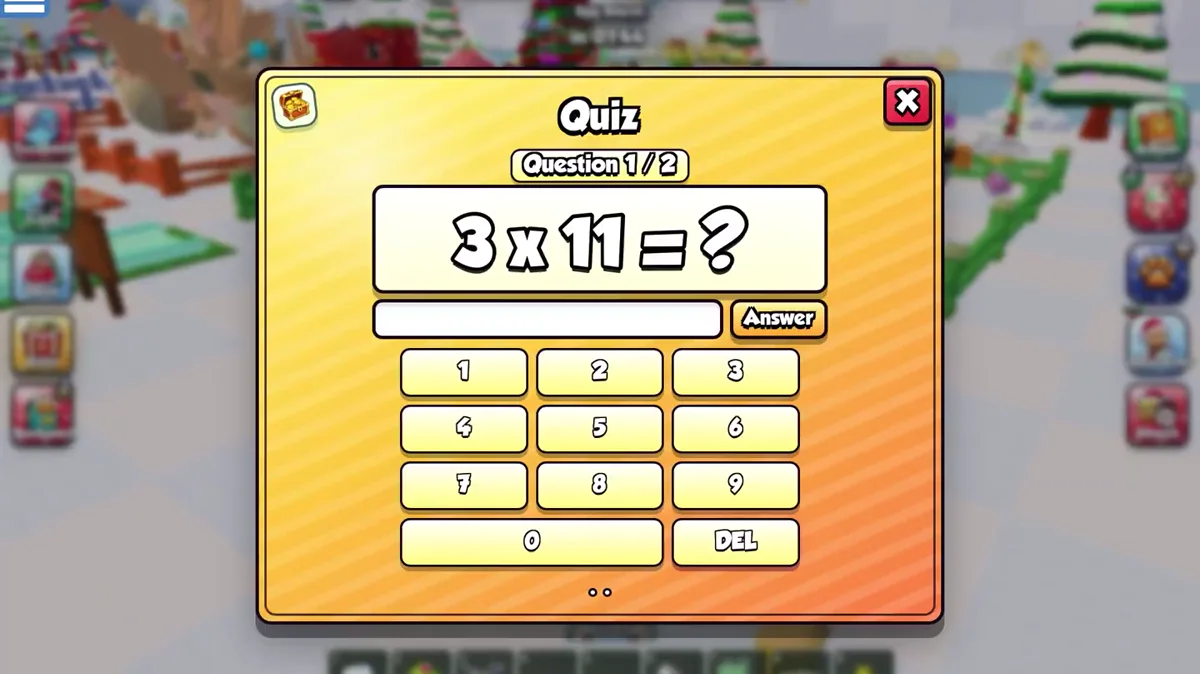
According to the official Timestables.com 3x3 Eggs page, 3x3 Eggs was created specifically for 2nd through 4th grade multiplication fluency:
- High repetition without worksheet fatigue: Kids answer quick two-question multiplication prompts (
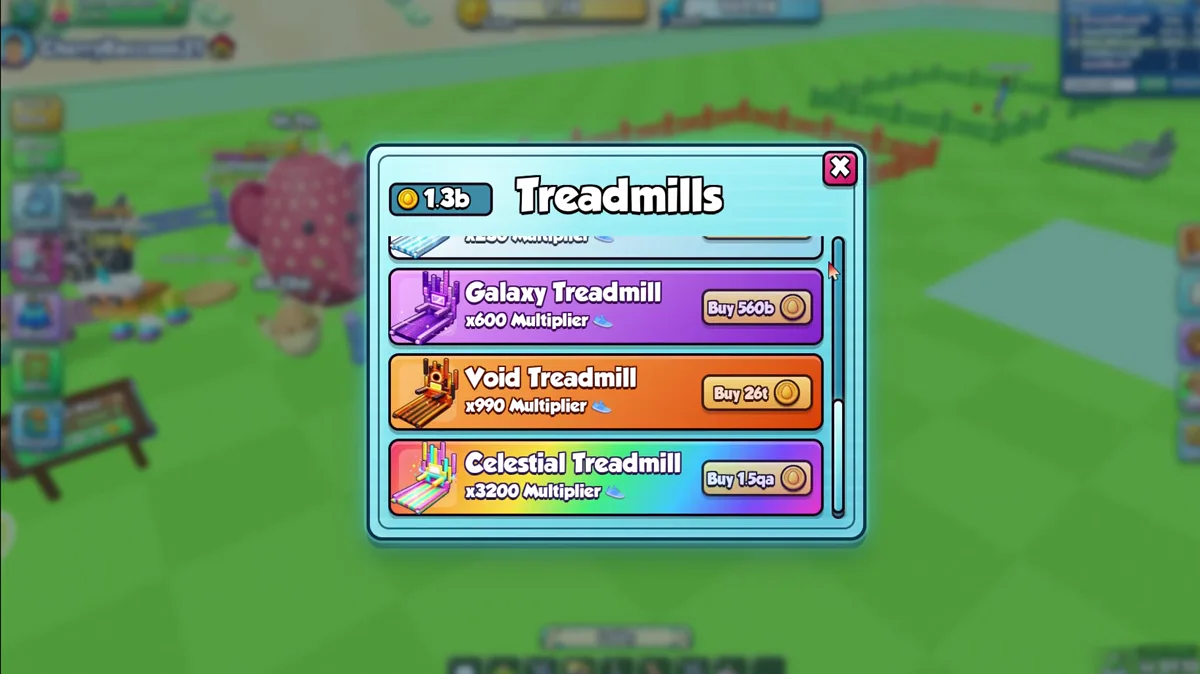
1×through12×) every time they hatch a stolen egg, expand their Animal Pen, or buy a new Treadmill. - Built-in adaptive review: When a student answers a multiplication fact incorrectly, the game automatically repeats missed facts later—reinforcing tricky products like
6 × 7,7 × 8, and8 × 9until they become automatic. - Flexible classroom timing: Timestables.com notes teachers commonly use it either as a 5-minute warm-up at the start of a math block or as a Friday reward after core practice.
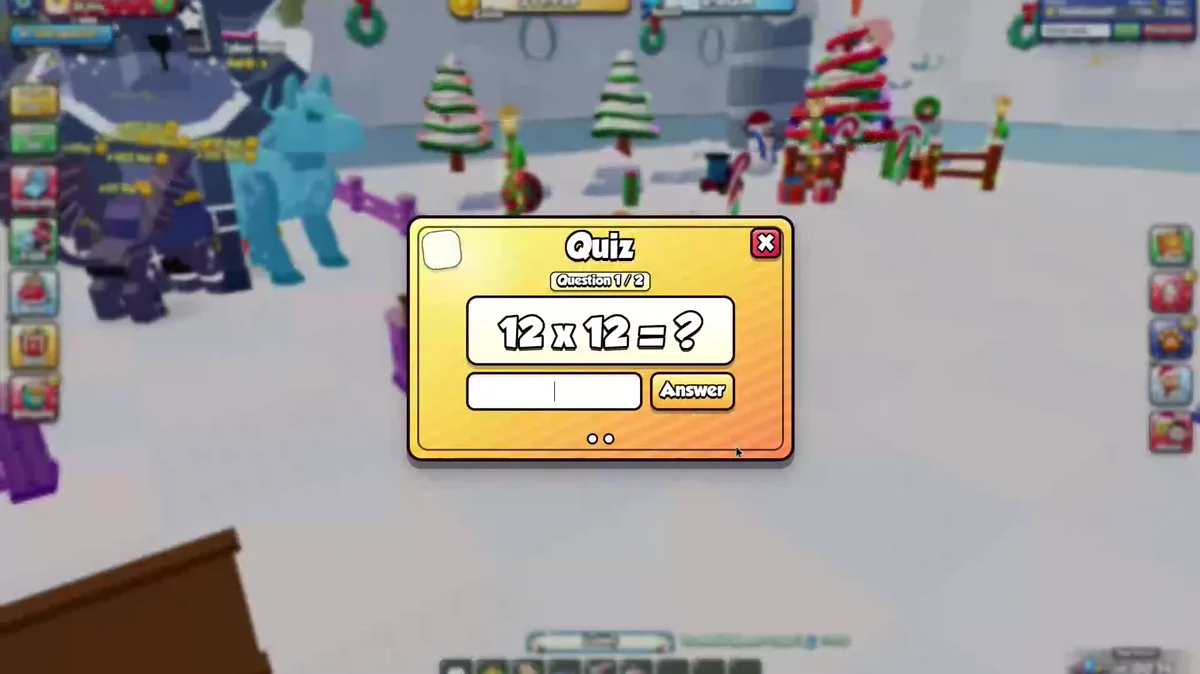
Two-question quizzes cover facts up to 12 × 12 and require accurate recall before awarding hatches or upgrades (lildragon_557 at 0:10).
Setting Up a Safe Classroom or Home Session
1. Always Bookmark the Official URL
Make sure students open https://www.timestables.com/3x3-eggs.html (or the official UK/regional Timestables domain listed in our School Chromebook & Allowlist Guide). Avoid third-party "unblocked games" sites that substitute unrelated Roblox lookalikes with distracting ads.
2. Use a Free Private Classroom Room
To keep students playing only with classmates (and reduce lag on school Chromebooks):
- Open the game on a teacher Chromebook or projector and click
Private Serverinside the top-right Leaderboard panel. - Write the generated room code on the board.
- Have students enter that room code in the
Friend codebox and clickJoin. See full instructions in 3x3 Eggs Private Room & Friends Guide.
3. Optional Teacher & Parent Progress Accounts
On timestables.com/3x3-eggs.html, clicking Teacher / Parent in the top bar lets educators create a class and issue student logins (and lets parents create child accounts) so kids can save their animal album across days without sharing personal email addresses.

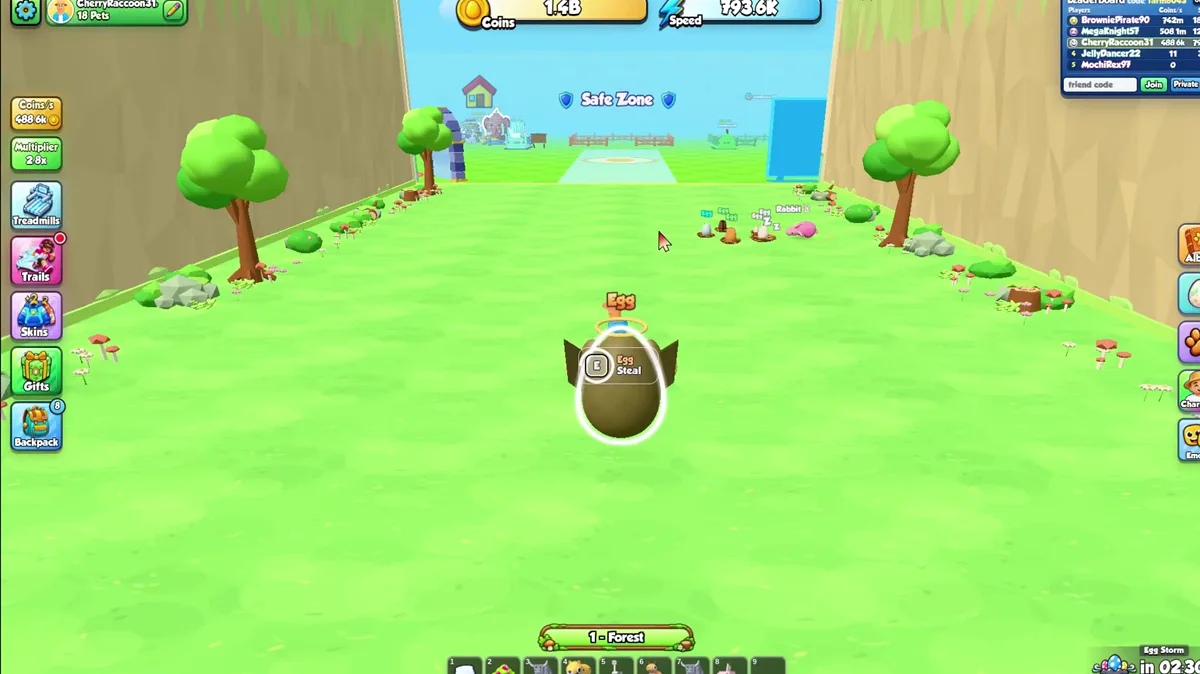
The top-right Leaderboard panel includes a one-click Private Server button for classroom-only play (CHESSPLAYER1 at 0:20).
Pairing 3x3 Eggs With Targeted Fact Warm-Ups
If a student struggles with one specific multiplication table—such as 7× or 8×—they may get stuck repeating the same quiz prompt inside 3x3 Eggs. Before launching the 3D game, try a 2-minute targeted warm-up right on our Interactive 1×–12× Times-Tables Hatch Speed Drill:
- Toggle just one or two tables (for example,
7×and8×), run a 10-Egg Sprint, and review any missed facts at the end. - Because our drill stores streaks only in local browser storage with no login and no pop-up ads, it is safe for both home tablets and managed school Chromebooks.
Suggested 10-Minute Classroom Math Station Routine
Many elementary teachers get the strongest multiplication retention by pairing short, structured bursts of 3x3 Eggs with quick reflection rather than open-ended free play:
- Minutes 1–2 (Focused Warm-Up): Have students run one 10-question sprint on our Times-Tables Hatch Speed Drill locked to the week's target table (for example,
6×or7×). - Minutes 3–8 (Private Classroom Room): Join the teacher's free Private Server on
timestables.com/3x3-eggs.html, mute tab audio or use headphones, and ask students to hatch at least two new eggs or upgrade one treadmill tier before the bell. - Minutes 9–10 (Quick Check-Out): Ask students to write down one multiplication fact that popped up in their in-game Quiz box and share the mental trick they used to solve it.
Helpful Links for Students & Families
- Share How to Play 3x3 Eggs and PC, Chromebook & iPad Controls with first-time players.
- Clarify why kids do not need "free coin codes" in 3x3 Eggs Codes & Roblox Differences.
Reference Sources & Attribution
- Official grade-level fit (2nd–4th grade), adaptive repetition, private classroom room support, and Teacher/Parent login flow verified on Timestables.com — 3x3 Eggs (2026-11-25).
- Gameplay stills credited to Arjun Siddharth (
0:31), lildragon_557 (0:10), and CHESSPLAYER1 (0:20).
Frequently Asked Questions
Is 3x3 Eggs safe for elementary school kids?
Yes, when played on the official Timestables.com website (https://www.timestables.com/3x3-eggs.html). There are no in-app purchases, no violent mechanics, and teachers or parents can use free Private Server rooms so kids only see classmates or play solo.
How do students save their 3x3 Eggs progress across school days?
Timestables.com provides free Teacher and Parent accounts that generate Student logins (username + password) specifically so kids can log in and keep their hatched animals and speed upgrades from session to session.
How can teachers keep students focused on math rather than just running around?
Because every egg hatch, pen upgrade, and treadmill purchase requires passing a two-question multiplication quiz, natural progression already forces frequent math checks. Setting a 5- to 8-minute warm-up timer or pairing the game with a 10-egg sprint on our Hatch Speed Drill keeps classroom sessions structured.
Keep Exploring