3x3 Eggs Unblocked: School Chromebook & Allowlist Guide
How to access 3x3 Eggs unblocked safely on school Chromebooks: official Timestables educational domains, IT allowlist details, and zero-login math practice.
Last verified
Why 3x3 Eggs Is Usually Already Unblocked at School
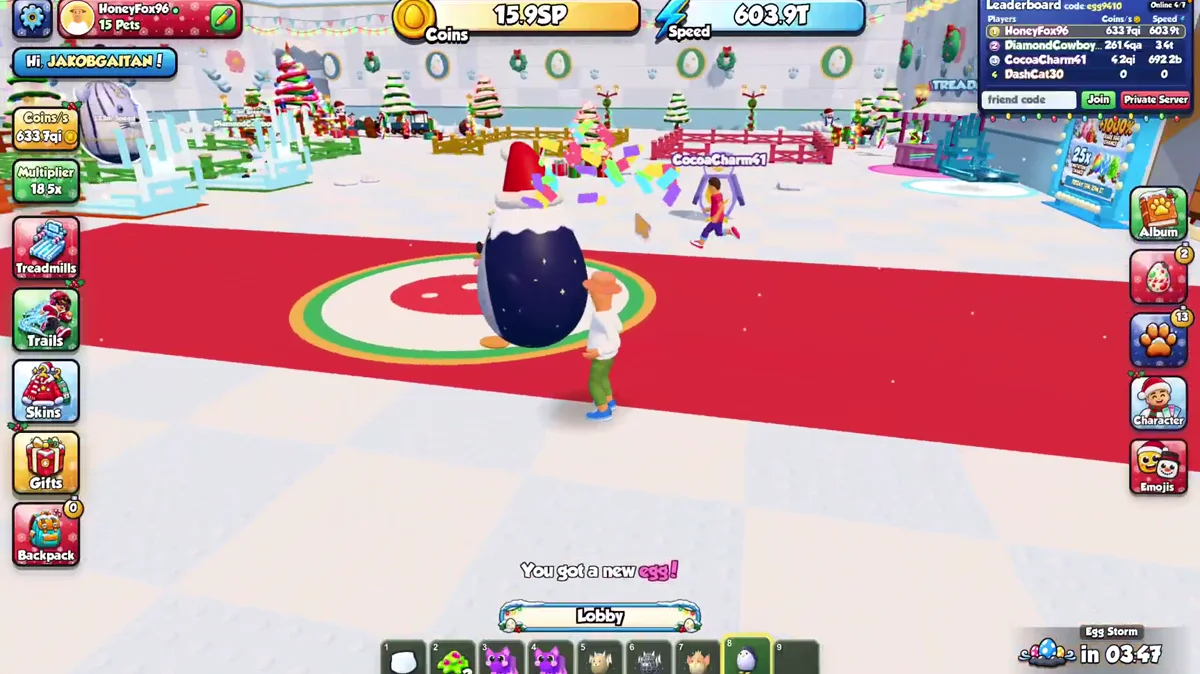
When students search for 3x3 eggs unblocked, they are usually trying to open the game during math center rotations, indoor recess, or free time on a managed Chromebook. Unlike entertainment portals that school web filters automatically block, 3x3 Eggs lives on Timestables.com—a dedicated elementary math practice platform built specifically for 2nd through 4th grade multiplication fluency.
Because the site's primary category in most K–12 filtering databases (such as GoGuardian, Securly, and Lightspeed) is Education, the official link loads straight out of the box in many schools with zero workarounds needed.
Official Timestables Domains Teachers Can Allowlist
If your school uses a strict default-deny allowlist where teachers must submit domains to IT, share the exact official URL for your region. Timestables.com operates localized official sister domains verified directly from the game page's hreflang metadata:
| Region / Language | Official 3x3 Eggs URL | Notes for School IT |
|---|---|---|
| United States / Global (EN) | https://www.timestables.com/3x3-eggs.html |
Primary canonical URL; requires .html suffix |
| United Kingdom (EN-UK) | https://www.mathsdiploma.co.uk/3x3-eggs.html |
Official UK partner domain |
| New Zealand (EN-NZ) | https://www.timestables.co.nz/3x3-eggs.html |
Official NZ domain |
| Spanish (ES) | https://www.tablasdemultiplicar.com/3x3-eggs.html |
Official Spanish edition |
| French (FR) | https://www.tablesdemultiplication.fr/3x3-eggs.html |
Official French edition |
| German (DE) | https://www.einmaleins.de/3x3-eggs.html |
Official German edition |
| Dutch (NL) | https://www.tafeldiploma.nl/3x3-eggs.html |
Official Dutch edition |
Important IT note: In addition to
www.timestables.com, assets load fromcdn-t-1.bvkstatic.com. If the page loads text but the 3D game canvas stays blank on a Chromebook, ask IT to allow static assets frombvkstatic.comas well.
Troubleshooting Blank Screens or Lag on School Chromebooks
School Chromebooks typically have modest GPUs and tight memory limits. If 3x3 Eggs loads slowly or stalls on the loading bar:
- Close extra browser tabs: Keep only the 3x3 Eggs tab open so WebGL has enough video memory.
- Use the in-game Fullscreen button: Clicking Fullscreen right below the game viewport prevents accidental page scrolling when pressing
Spaceto jump. - Check hardware acceleration: Make sure Chrome's hardware acceleration is enabled (managed by school policy on some devices).
- Switch to a Private Server room: Crowded public lobbies render many moving animals and trails at once. Creating a small friend or classroom room cuts visual clutter and improves frame rate—follow our Private Room & Co-op Setup Guide.
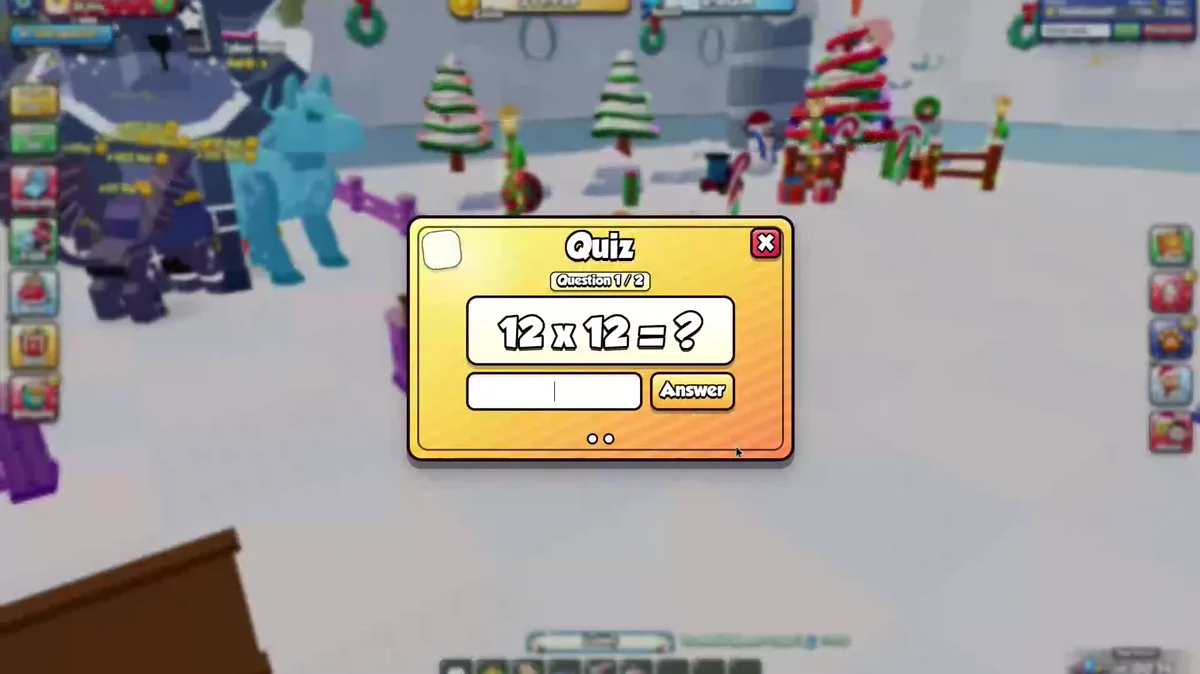
Every in-game hatch or shop upgrade pauses movement for a clear two-question multiplication check (lildragon_557 at 0:10).
Why to Skip Third-Party "Unblocked Games" Proxy Sites
Google search results for 3x3 eggs unblocked are filled with unrelated Google Sites pages and arcade portals hosting different games called Steal a Eggs or Break and Steal an Egg. Those sites do not contain the real Timestables adaptive times-tables quiz, often violate school Acceptable Use Policies, and inject disruptive pop-up ads.
If Timestables.com is temporarily pending IT approval at your school, you can still warm up for your next classroom session right here using our lightweight, zero-login Times-Tables Hatch Speed Drill, or hand your teacher our 3x3 Eggs Guide for Teachers & Parents explaining the 2nd–4th grade curriculum fit.
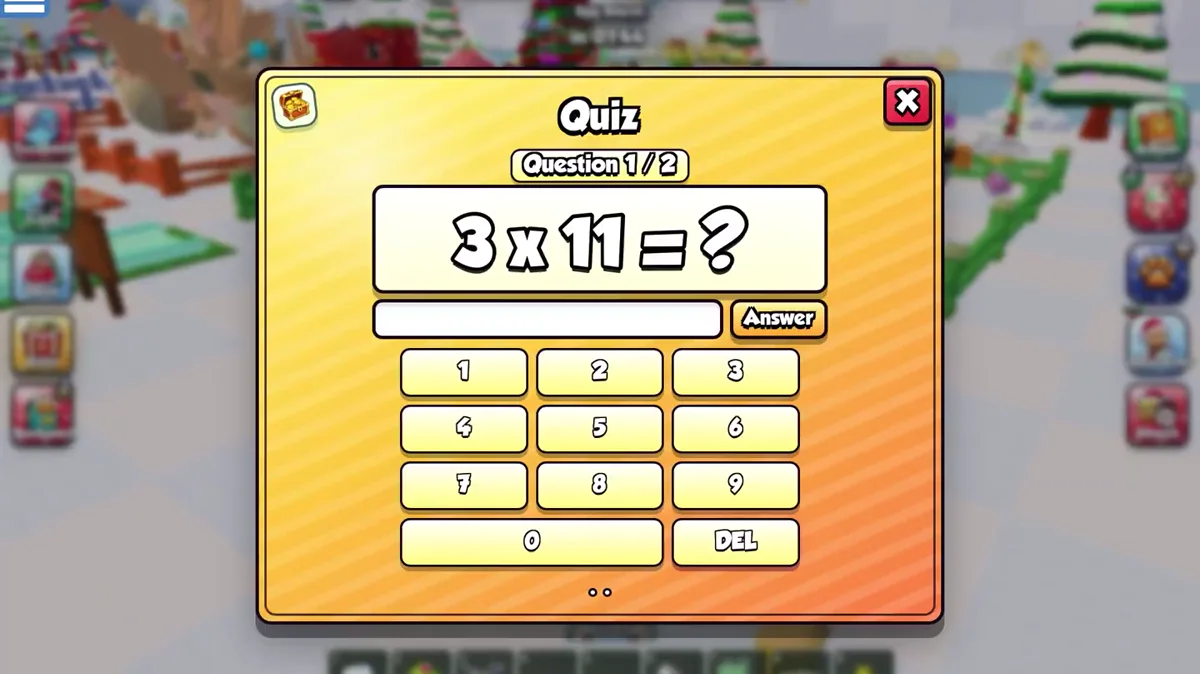
Classroom iPads and touchscreen Chromebooks automatically display a built-in numeric keypad for multiplication quizzes (Arjun Siddharth at 0:31).
Next Guides to Read
- Learn the full gameplay loop in How to Play 3x3 Eggs.
- Master Chromebook trackpad vs. keyboard camera turning in our Controls Guide.
- Understand why there are no cheat codes in 3x3 Eggs Codes & Roblox Differences.
Reference Sources & Attribution
- Official domain list, Chromebook support, and classroom private-room support verified on Timestables.com — 3x3 Eggs (2026-11-25).
- Gameplay stills credited to CHESSPLAYER1 (
0:20), lildragon_557 (0:10), and Arjun Siddharth (0:31).
Frequently Asked Questions
Why does 3x3 Eggs say blocked on some school Chromebooks?
Even though 3x3 Eggs is an educational multiplication game, strict school filters sometimes block any URL containing the word 'games' or restrict WebGL multiplayer sockets until a teacher approves the domain.
Should I use Classroom 6x or unblocked proxy mirrors to play 3x3 Eggs?
No. Unofficial proxy sites often host unrelated Roblox clones (like Steal a Eggs), break Timestables student progress saving, or trigger school security alerts. Always use the official Timestables.com URL or its regional sister sites.
Can teachers run a private 3x3 Eggs room for just one class?
Yes. Timestables.com explicitly supports private rooms so classmates can play together in the classroom without strangers joining. See our Private Room guide for step-by-step setup.
Keep Exploring