3x3 Eggs Private Room: How to Play With Friends Co-op
Learn how to create a private server, find your room code, and join friends or classmates in 3x3 Eggs on Timestables.com across PC, Chromebook, and iPad.
Last verified
How Private Rooms Work in 3x3 Eggs
Timestables.com explicitly built 3x3 Eggs so kids can play together with classmates in a private room—at home or in the classroom—without sharing a lobby with random online players. Better yet, creating a Private Server is completely free and takes under ten seconds.
Step-by-Step: Create and Join a Private Server
- Launch the official game: Everyone in your group should open https://www.timestables.com/3x3-eggs.html on their computer, Chromebook, or tablet.
- Locate the Rooms / Leaderboard controls:
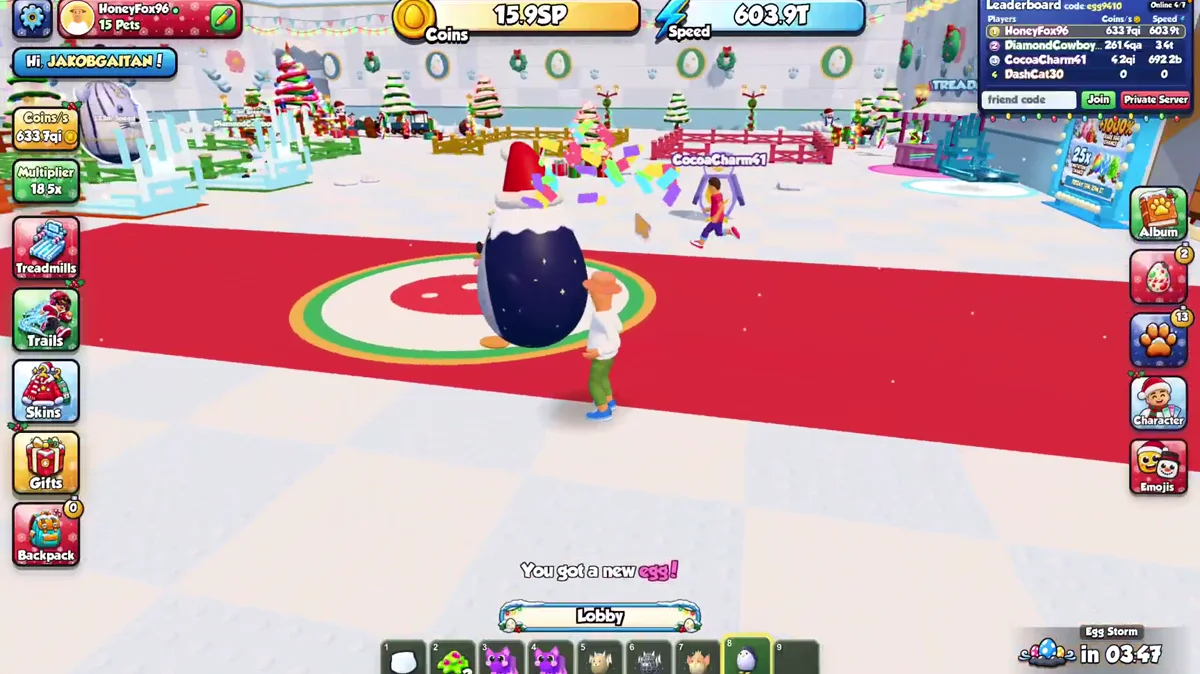
- On PC and Chromebook, look at the blue Leaderboard panel in the top-right corner of the game window.
- On iPad and mobile, tap the blue
Roomsbutton near the top-right HUD.
- Create a Private Server (Host): Click
Private Serverat the bottom of the Leaderboard panel. The game reloads you into a clean, invite-only room and displays a new room code at the top of the panel. - Share the Room Code: Read the room code aloud in class or message it to your friend.
- Join the Room (Friends): Friends type that exact code into the
Friend codeinput box right underneath the player list and clickJoin. Within a few seconds they will spawn in the same Safe Zone lobby.
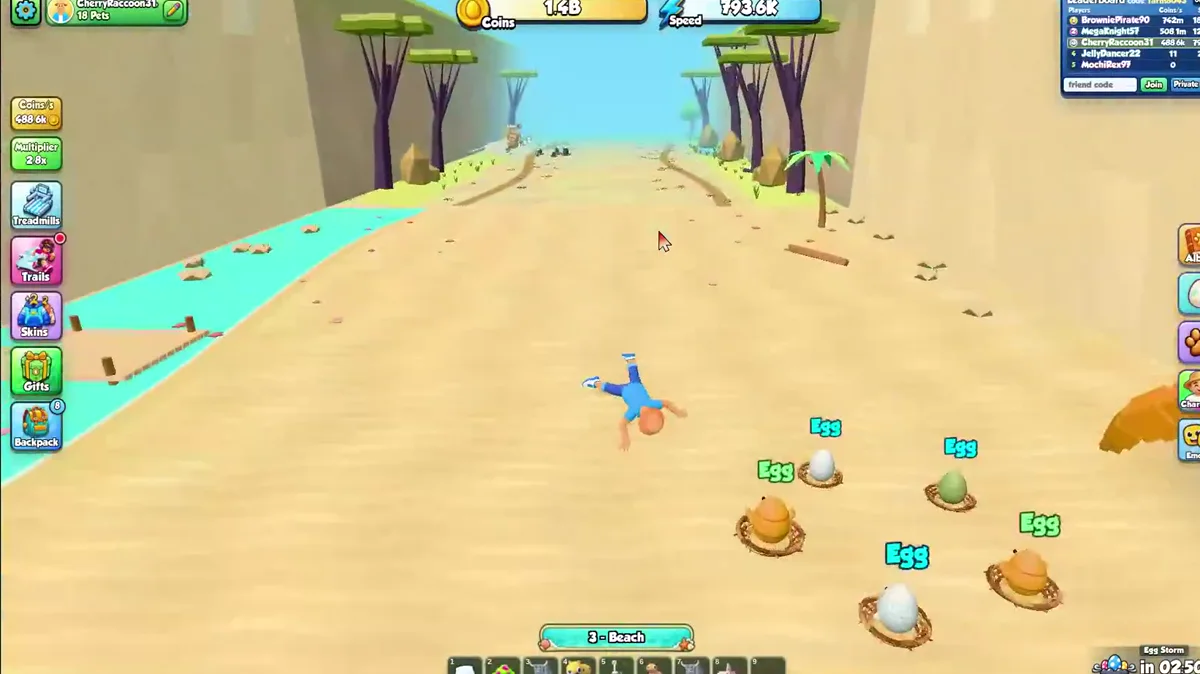
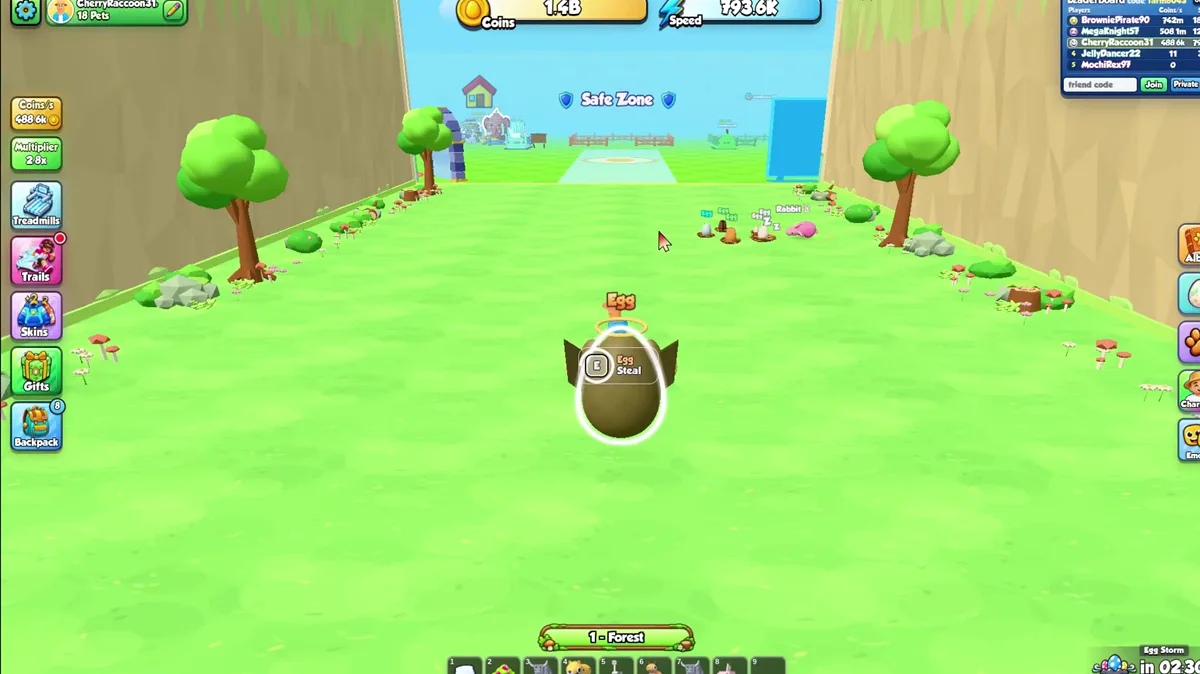
Running biomes like Beach or Savanna in a small private room keeps nests easy to spot and improves frame rates on school Chromebooks (pieGamer at 4:20).
Why Playing in a Private Room Helps Progress Faster
- Less competition for mutated eggs: During rare 5-minute Egg Storm Weather Events, public servers can have ten players sprinting for the same Golden, Frozen, or Rainbow spawn. In a private room with 2–4 friends, everyone has a fair shot at high-multiplier nests.
- Smoother Chromebook performance: Fewer player avatars and speed trails in the lobby mean higher frame rates on school laptops.
- Classroom safety: Teachers can write a single room code on the whiteboard so an entire 3rd-grade math group plays together with zero outside usernames on screen. For more classroom tips, read our 3x3 Eggs Guide for Teachers & Parents.
Common Room Code Troubleshooting
- Stuck on "Loading private server...": Wait 5–10 seconds or refresh the tab once. If a school firewall blocks multiplayer WebSockets while allowing the main page, see our 3x3 Eggs Unblocked & School Access Guide.
- Different Worlds: If your friend already unlocked World 2 (such as Sunny Fields or Pharaoh Desert) and stepped through the blue
WORLDSportal, you will not see them in the World 1 Forest lobby until you meet in the same world. Check All 18 Biomes Across World 1 and World 2 to compare unlock routes. - Confusing room codes with promo codes: Remember that the
Friend codebox is only for multiplayer room codes—not free coin or egg redemption codes. Read 3x3 Eggs Codes & Roblox Differences for the full breakdown.
Classroom Co-op Etiquette & Group Challenge Ideas
When teachers or study groups run a shared Private Server during a 10-minute math rotation, setting two quick ground rules keeps the lobby fun for every student:
- Share Egg Storm callouts: Have one student watch the 5-minute countdown clock and call out when
EGG STORM has begun!so the whole class runs together. - Friendly accuracy races: Instead of racing purely on existing coins (which favors players who started earlier), challenge everyone to hatch 3 new eggs in 5 minutes without missing a single multiplication quiz question. Students can warm up beforehand on our 1×–12× Hatch Speed Drill.
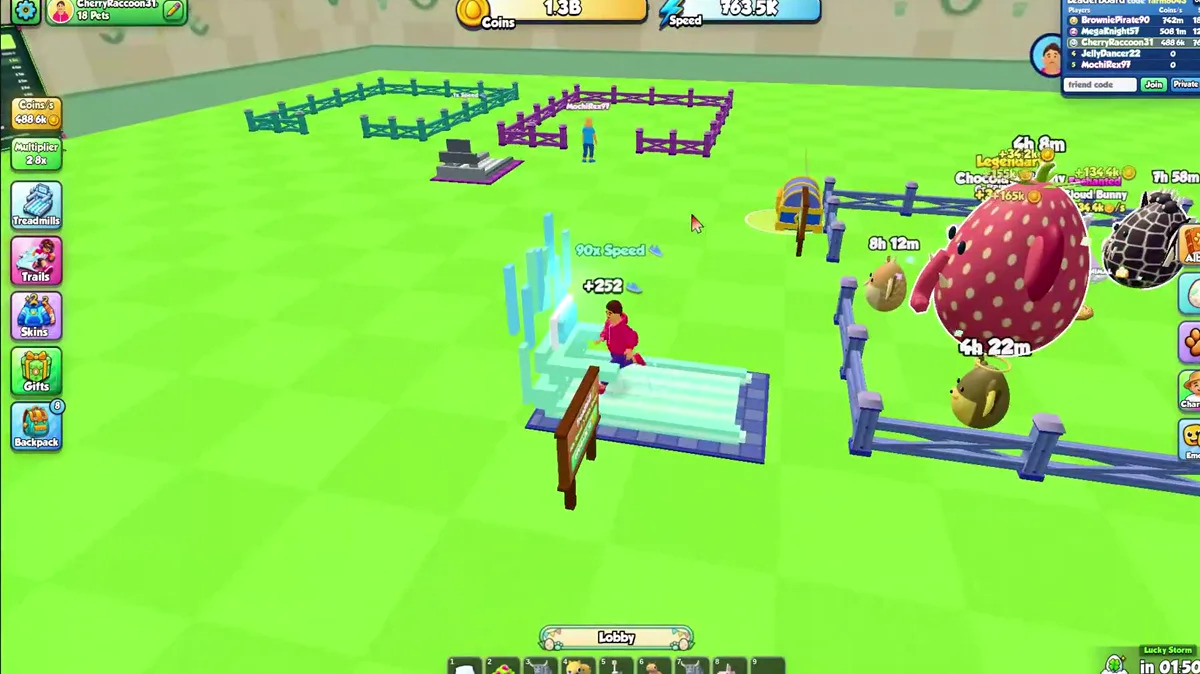
In a private lobby, friends can walk past each other's Animal Pens and compare rare hatches side by side (pieGamer at 0:20).
Reference Sources & Attribution
- Official private-room classroom feature verified on Timestables.com — 3x3 Eggs (2026-11-25).
- Leaderboard,
Friend code,Join, andPrivate ServerUI verified in gameplay stills credited to CHESSPLAYER1 (0:20) and pieGamer (0:20,4:20).
Frequently Asked Questions
Are private servers free in 3x3 Eggs?
Yes. Unlike many Roblox games that charge monthly currency for private servers, 3x3 Eggs on Timestables.com lets any player or teacher open a free Private Server room directly from the Leaderboard panel.
Why can my friend not join my room code?
Make sure both players opened the exact same regional domain (for example, both on www.timestables.com/3x3-eggs.html) and check for typos in the room code. Codes are short alphanumeric strings like a word plus four digits.
Can friends steal animals out of my pen in a private room?
No. Your personal Animal Pen and coin upgrades belong to you. Playing in a private room simply puts you and your friends in the same shared lobby and biome track without random public players.
Keep Exploring